
why sstv iptv ?
Discover Unlimited Entertainment with SSTV IPTV!
Looking for the best way to watch your favorite channels in high quality and without interruptions?
With SSTV IPTV, you’ll enjoy a completely new viewing experience
✨ Over 10,000 international channels
🎬 The latest movies and series in HD and 4K
⚡ Fast and stable servers with zero interruptions.
📱 Compatible with all devices: TV – Phone – Computer – TV Box.
💰 Affordable prices and special offers for new customers
How IPTV Works
IPTV uses IP (Internet Protocol) to send video streams. It usually includes:
1. Live TV:
3. Time-Shifted TV / Catch-Up:
2. Video on Demand (VOD):
_ Watching TV channels in real time, similar to satellite or cable broadcasting.
_ Choosing movies or series from a library to watch whenever you want.
_ Watching programs that were broadcast earlier (e.g., watch a show you missed yesterday).
Types of IPTV Services
1-Legal IPTV Services
2-Unofficial IPTV Services
Provided by telecom operators or official TV providers. Examples: TV services by ISPs, streaming apps, etc.
Cheap subscriptions offering thousands of channels and VOD, often not licensed. These are legally risky and may not be secure.
What You Need to Use IPTV
A stable internet connection (usually 10–25 Mbps minimum depending on quality)
A device such as:
Smart TV (Samsung, LG, Android TV)
Smartphone or tablet
Computer
IPTV box (MAG, Android Box, Fire TV Stick)
An IPTV player app
(e.g., IPTV Smarters, TiviMate, VLC, SET IPTV)
Advantages sstv iptv
Large selection of channels and content
On-demand viewing options
Works on many devices
Often cheaper than traditional cable/satellite
How can I add IPTV in my device
Don't worry. In this article, I will explain how to download and run an IPTV service on any device you have.
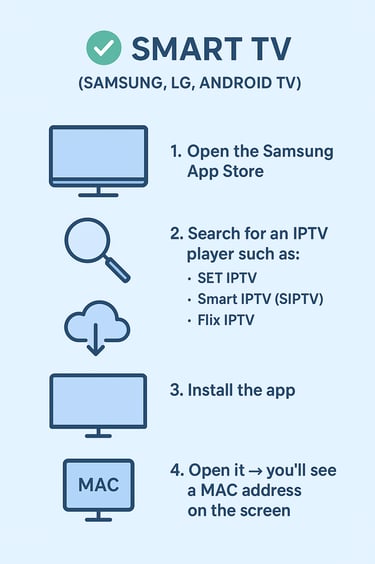
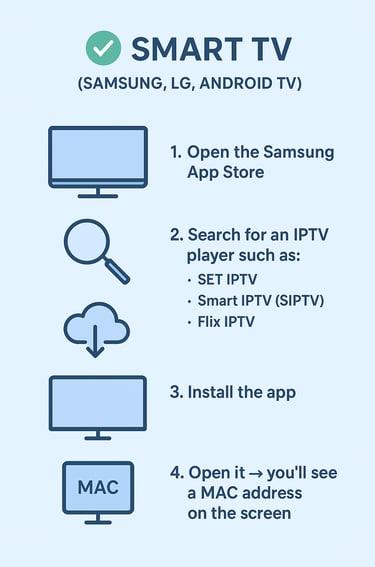
1. Smart TV (Samsung, LG, Android TV)
Samsung Smart TV (Tizen)
Open the Samsung App Store.
Search for an IPTV player such as:
SET IPTV
Smart IPTV (SIPTV)
Flix IPTV
Install the app.
Open it → you’ll see a MAC address on the screen.
Go to the app’s website on your phone/PC.
Enter:
The MAC address
Your M3U link or Xtream Codes
Restart the app → channels will load.
LG Smart TV (webOS)
Open LG Content Store.
Install:
SET IPTV, Flix IPTV, or Smart IPTV
Open the app → note the MAC address.
Go to the app's website → upload your M3U playlist.
Restart the TV app.
Android TV (Sony, TCL, Xiaomi, Hisense….)
Open Google Play Store.
Install a player such as:
IPTV Smarters Pro
TiviMate
OTT Navigator
Open the app → choose:
Xtream Codes login, or
Load M3U playlist URL
Enter your IPTV provider credentials.
Channels will load instantly.
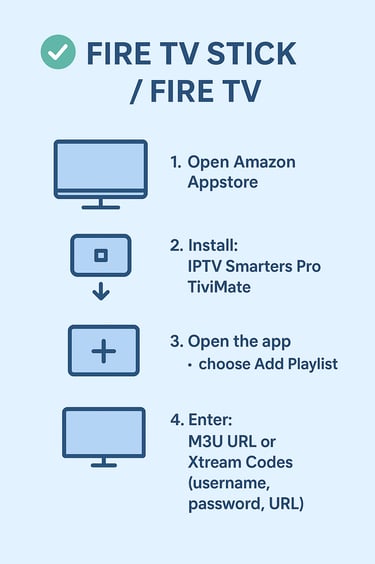
2. Fire TV Stick / Fire TV
Open Amazon Appstore.
Install:
IPTV Smarters Pro
TiviMate
Open the app → choose Add Playlist.
Enter:
M3U URL
or Xtream Codes (username, password, URL)
Save the playlist → done.
3. Smartphone / Tablet
Android (Samsung, Xiaomi, Oppo, etc.)
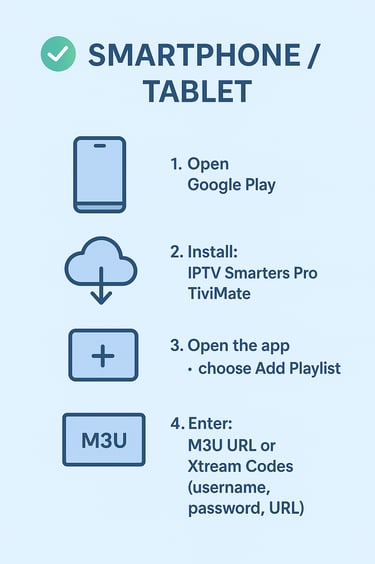
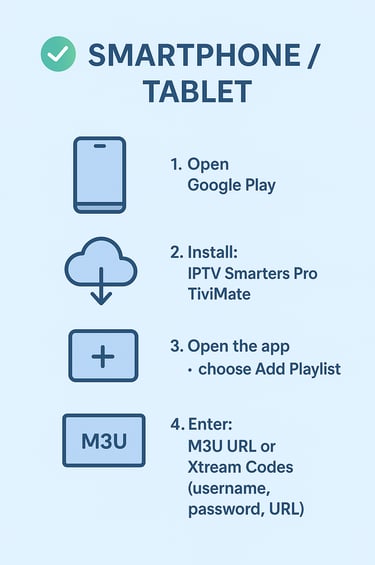
Open Google Play Store.
Install:
IPTV Smarters Pro
OTT Navigator
XCIPTV
Open the app → enter your IPTV login information.
iPhone / iPad (iOS)
Open App Store.
Install:
Smarters Player Lite
GSE Smart IPTV
iPlay TV
Open the app → add your playlist using M3U or Xtream.
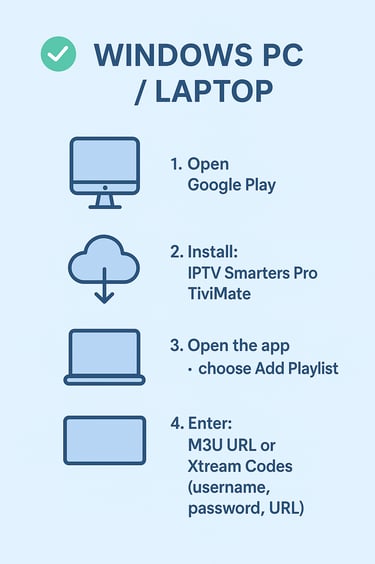
4. Windows PC / Laptop
Option 1: VLC Media Player
Install VLC from official website.
Open VLC → Media → Open Network Stream.
Paste your M3U URL.
Click Play → channels appear.
Option 2: IPTV Smarters for WindoWS
Install IPTV Smarters Windows version.
Open → Add a playlist using Xtream Codes or M3U.
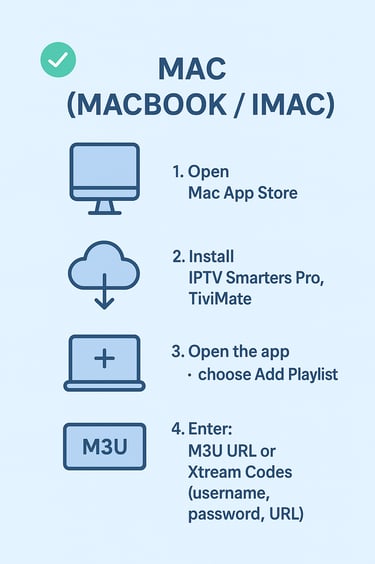
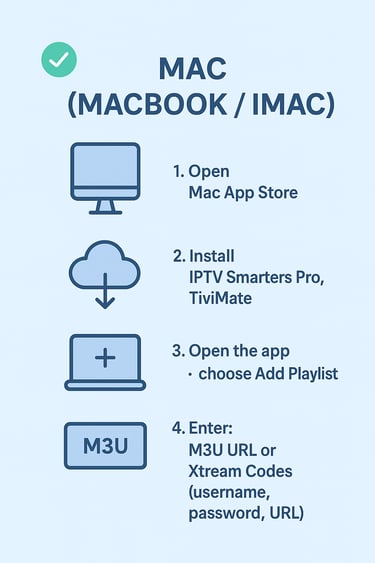
5. Mac (MacBook / iMac)
Install VLC or GSE Smart IPTV from the App Store.
Open the app → load your M3U link.
Start watching.